


Webflow design is a "visual-first" approach to web development. Unlike traditional drag-and-drop builders (like Wix or Squarespace) that hide the code behind simple templates, Webflow gives you a visual interface for HTML, CSS, and JavaScript.
When you move a slider or change a colour in Webflow, you aren't just pushing pixels; you are writing clean, production-ready code in real-time.
The Core Ecosystem
Webflow design is built on three main pillars that work together to create a professional site:
Webflow Designer
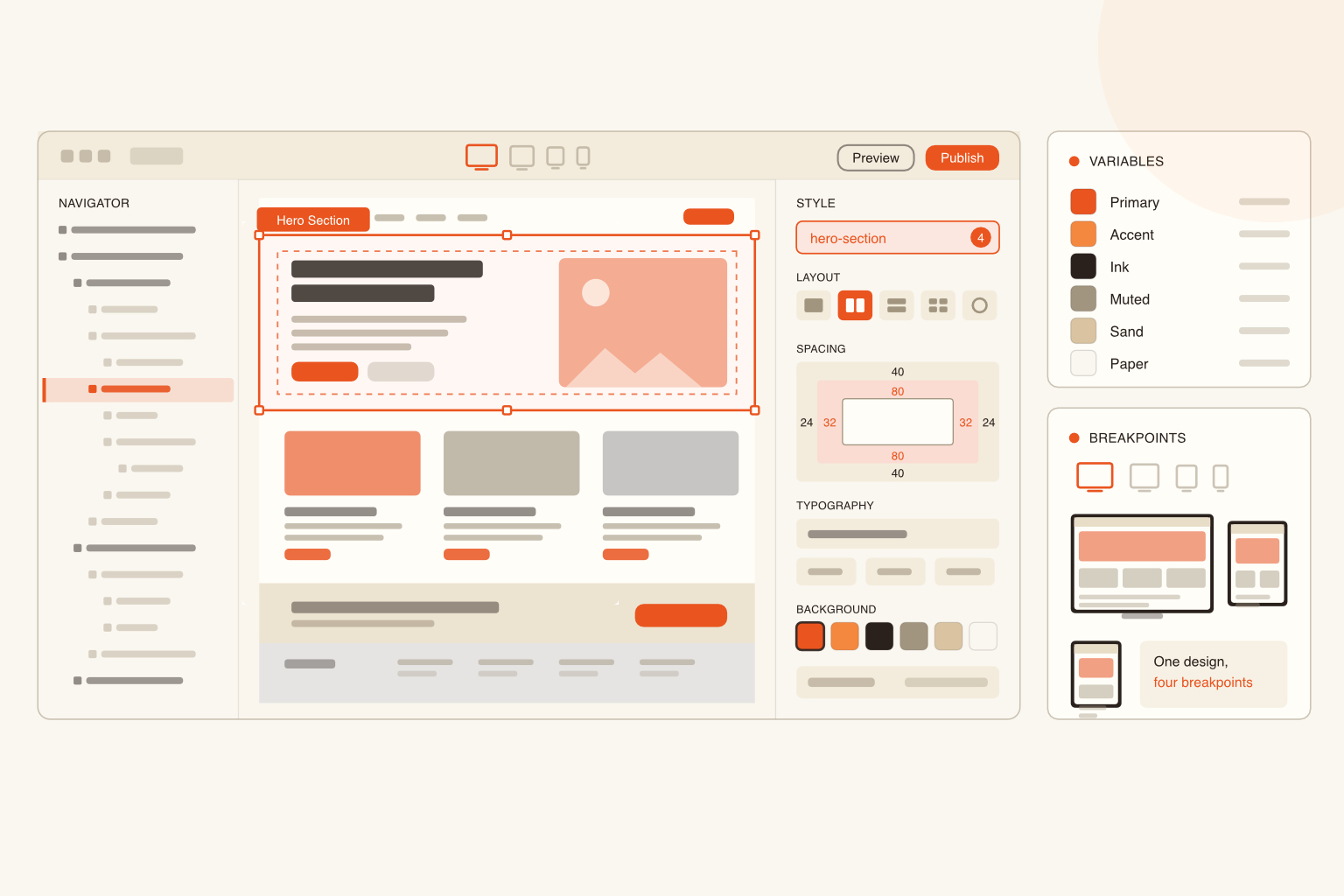
The visual canvas where you build the layout, style elements, and create animations. High-fidelity UI/UX design.
"Content Management System" that lets you create dynamic content (like blog posts or team members). Managing large amounts of data without redesigning pages.
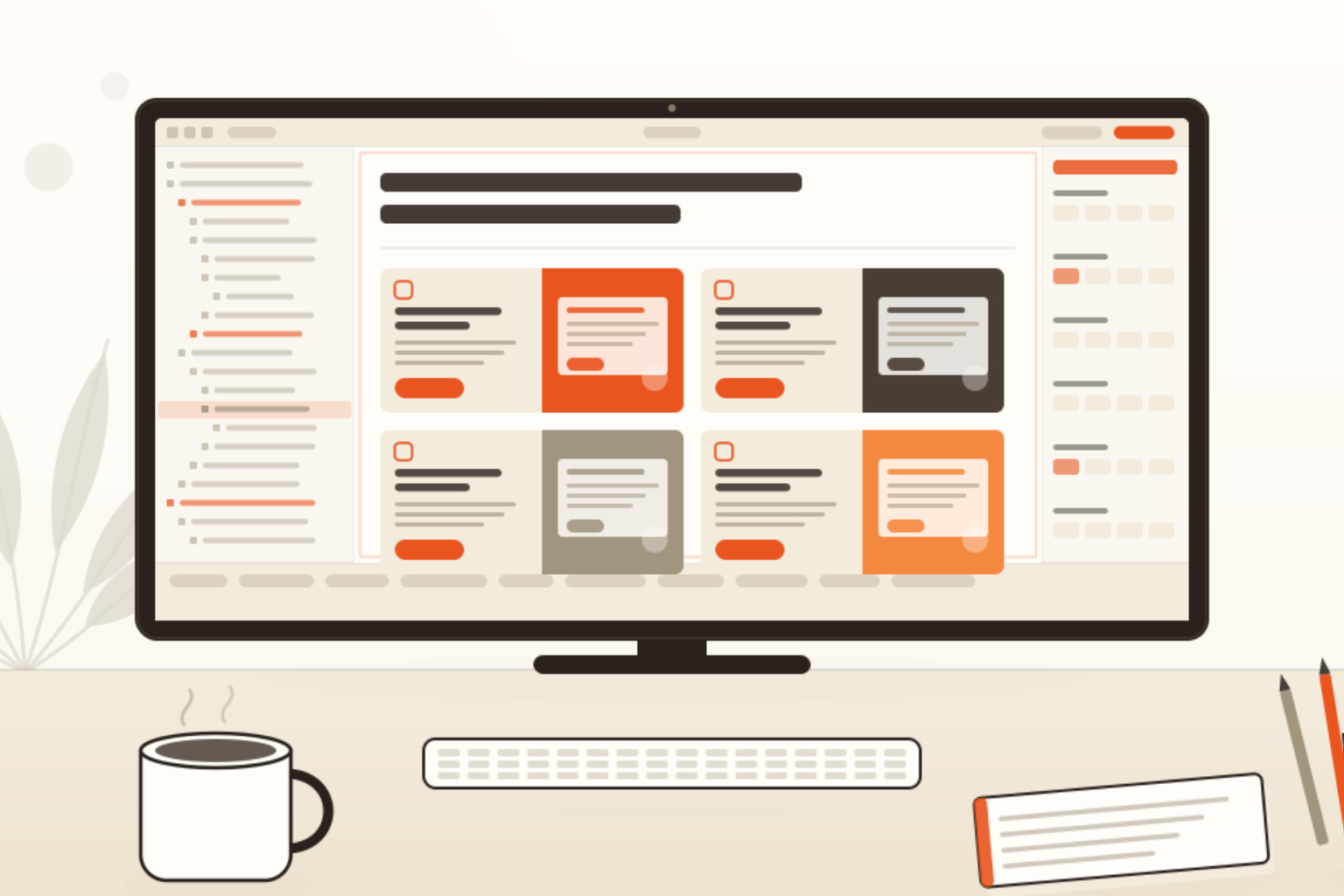
Details about how users can update their own websites using the CMS editor are shown below. The CMS editor can be added as an extra and includes a special website designed for this purpose. CMS hosting is needed.
Hosting
A high-performance hosting service with a built-in Global CDN. Launching the site with a single click.
Key Design Features
- The Box Model: Everything in Webflow follows the standard CSS "Box Model." You work with Margins, Padding, and Borders just as a developer would.
- Flexbox & CSS Grid: You can build complex, responsive layouts visually using the industry's most powerful layout systems.
- Interactions 2.0: Create advanced scroll-based animations, hover effects, and parallax movements without writing a single line of JavaScript.
- Responsive Breakpoints: You can jump between desktop, tablet, and mobile views to customise exactly how your site looks on different screen sizes.
Webflow vs Traditional Coding
Webflow is often described as "the middle ground" between DIY builders and custom development:
- Speed: You can design and develop simultaneously, often cutting project timelines by 30–40%.
- Clean Code: Unlike other builders, Webflow exports semantic, lean code that search engines love (SEO-friendly).
- No "Hand-off": In a traditional workflow, a designer makes a mockup in Figma and a developer builds it. In Webflow, the designer is often the developer, ensuring the final product aligns perfectly with the vision.
How to Get Started
If you’re new to the platform, the best path is:
- Learn the Basics: Watch the "Webflow 101" course on Webflow University (it's free and highly regarded).
- Understand HTML/CSS: You don't need to know how to write it, but you should understand the logic (e.g., what a "Div block" is).
- Use a Template: Start with a free template to see how professional designers structure their "Navigator" and "Style Classes."
Pennine Website Design & Development is a freelance web design and development service based in Barnard Castle, Teesdale. We build bespoke, high-performance websites for businesses and non-profits across the North East.
Get in touch | View our work | See pricing
James McBain